Run your field work. See it verified.
Know the work got done. Without calling anyone.
LockProof schedules your field work, texts each worker a link at the right time, and turns their live photo into a time-stamped, verified record on your dashboard — with GPS when the worker shares location. No app to install. No training. Just a link. And if a client ever disputes it, the proof is already filed: tamper-evident, time-stamped, ready to send.
How it works
Three steps. Zero chasing.
1. Set the schedule once
Sites, workers, and times. LockProof handles the rest, every day.
2. Workers get a text
The link opens their camera: live photo only, with a server time attached automatically, plus GPS when the worker shares location.
3. You watch it verify
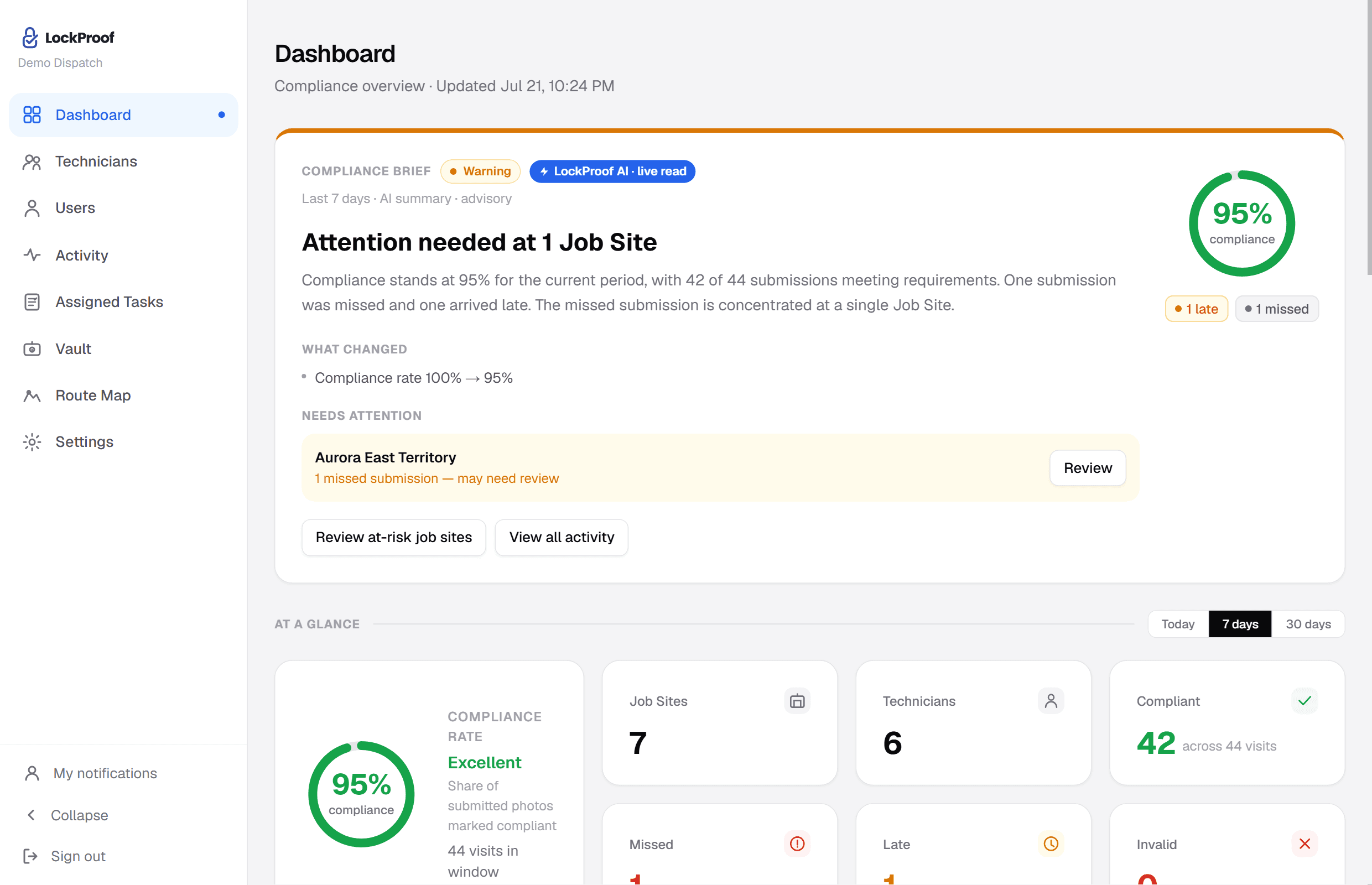
Your dashboard updates live. Anything missed gets flagged before your client notices.
Built for property managers
No super can stage a check they can’t predict
Schedule every lock-up, unit turn, and inspection across your buildings once. LockProof sends the link at a randomized time so photos can’t be staged, and each check comes back as a live photo you can search by site, super, or date. LockProof is built for managers who want to see the work happening, not spend the day chasing it.
Evening check
Lobby & boiler room
Pending
Morning brief · 6:00 AM · 3 sites done, 1 needs you
Run the day
Your morning starts with answers, not phone calls.
One screen shows every site: what’s done, what’s late, what needs you. AI and maps work in the background.
Live dashboard
Verified, late, and missed work at a glance, updated as photos come in.
Automatic reminders
SMS or WhatsApp links reach each worker at the scheduled time. No app install.
AI photo review
Every photo gets an AI second look. Anything unusual is flagged for your review.
Route map
See each worker's day as numbered stops on a map, with times, statuses, and photos.
Morning briefing
A daily email with what got done and what needs your attention. Before your coffee.
Missed-work alerts
Know about a skipped visit before your client does.
What your crew sees
No app. No login. No training day.
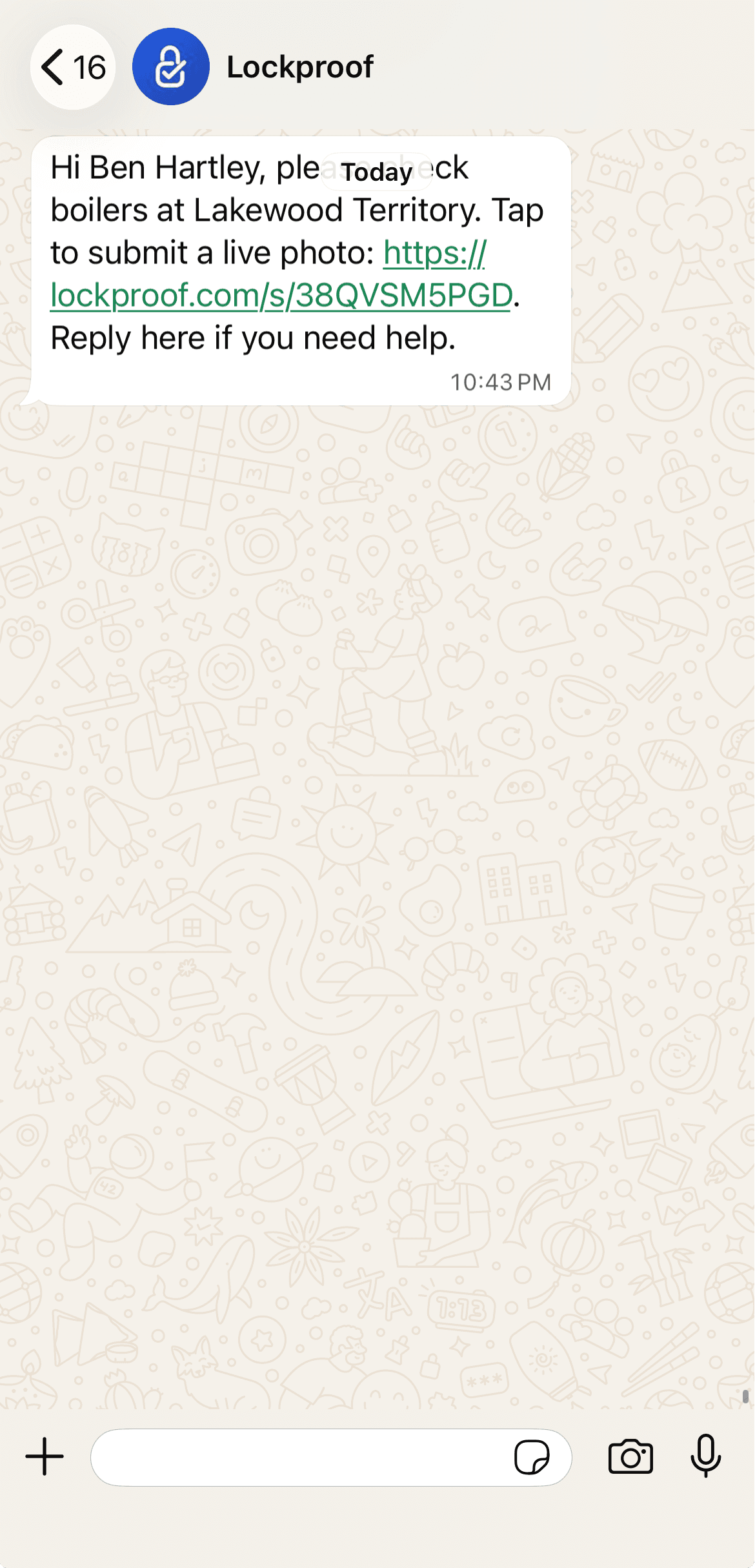
A text arrives
The job shows up as a normal text with one link. Nothing to install, nothing to remember.
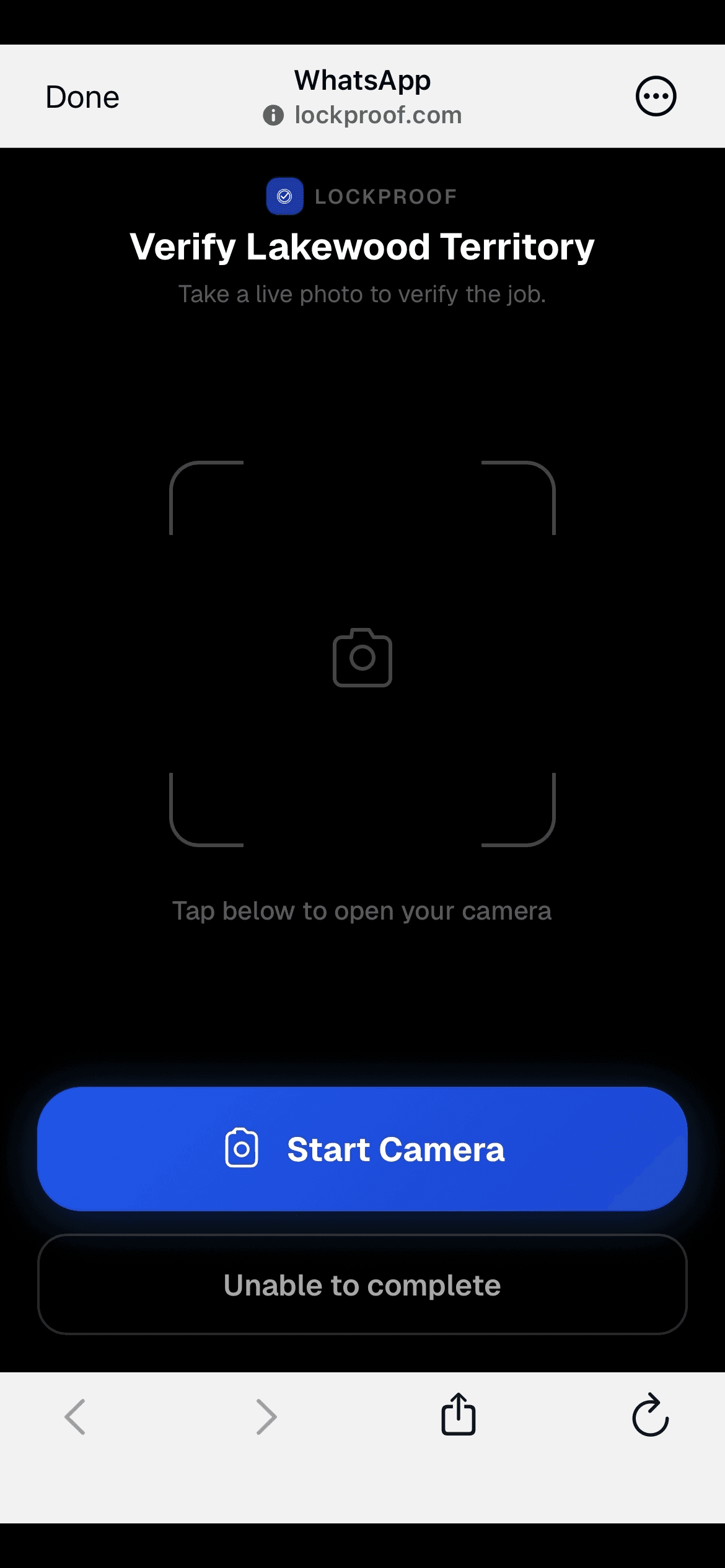
One live photo
The link opens straight to the camera. No gallery, no old pictures — the photo is taken on site or not at all.
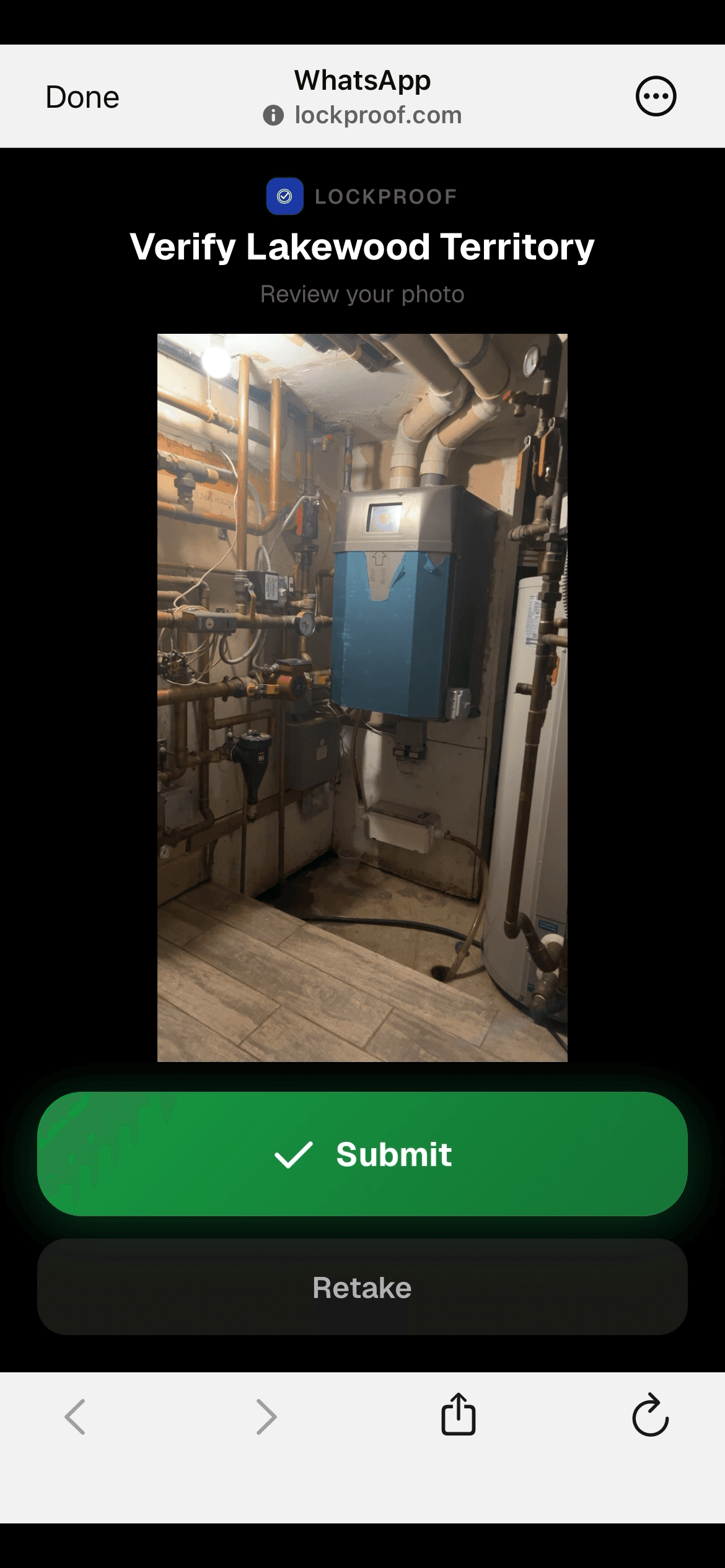
The record seals itself
A server timestamp and an evidence fingerprint attach the moment it's submitted, with GPS when the worker shares location. Your dashboard updates in real time.
The phone asks for location only when the worker submits a photo. Never in the background. Never between jobs. There's nothing installed on the worker's phone, so it can't follow them.
Client portal
Show clients the work without writing a single report.
Send each client a branded live portal of their sites. They see verified visits as they happen, and you stop fielding “did anyone show up today?” calls.
The backstop
And if anyone ever asks for proof, it’s already filed.
Every verified record is stored tamper-evident in your Evidence Vault. Search a site and a date, send the packet, move on.
Open sample proof packet3 verifications found
1 late response flagged
Client packet ready
sha256 · 9f2c41ab…e8d81a · record sealed
How do you know the work actually happened?
The proof is captured at the work, not reported after it. A worker taps a texted link, the camera opens on site, and on submission the photo is sealed with a server-set time and a SHA-256 chain of custody — plus GPS when the worker shares location. Every job lands on your dashboard as done, late, or missed.
Watch one task travel from a worker’s text message to a sealed, dispute-ready record.
Straight answers
Questions buyers ask us
Do workers need an app or a login?
No. They tap a text link, the camera opens, they snap the photo. Nothing to install, nothing to remember. Works in English and Spanish.
What happens when work is missed?
You get an alert before your client notices, and the miss is recorded in the same timeline as everything else. Your records show the full picture, not just the good days.
How long does setup take?
Add your sites and workers (or import a CSV), set the schedule once, and reminders start going out. Most teams send their first verified photos the same day.
How is it priced?
Per site for property management, or per caregiver or technician in other industries. Essentials starts at $99/mo, Professional at $399/mo, and we confirm your exact plan on a quick call.
Can't a worker just fake the photo?
No gallery uploads — the link opens a live camera only. Timing is randomized by the system, and every submission is sealed with a server timestamp and a SHA-256 fingerprint. A photo taken earlier or somewhere else doesn't fit the record.
What do I send a client during a dispute?
One link. The photo, the timestamp, GPS if it was shared, and the full event history in a single tamper-evident packet. Generated in seconds, it expires after 7 days.
Simple pilot path
Start with the sites where proof actually matters.
Run a 14-day pilot on one portfolio or route. If LockProof does not reduce chasing and make client reporting cleaner, do not roll it out.
Priced per site, confirmed on a quick call.
Unlimited managers, reminders, evidence vault, and client proof links.
Request pilotProof or it didn’t happen.