Security
How to prevent fake patrol logs
Start with what last night’s patrol log actually rests on. On paper, it is a column of times and the word “secure,” written by the officer who was supposed to walk the round. On a tour system, it is a list of tag reads: a device met a tag at 2:14, another at 2:31.
A faked round rarely looks fake. It looks like an ordinary night.
A log that looked like a working shift
A federal case in Boston shows how this goes, even with an app in the loop. Track inspectors on the Massachusetts transit authority’s Red Line logged their inspections in an app on agency-issued phones. According to the charges, from January to mid-October 2024 some of them skipped inspections and built the reports from information they found online, then stretched the logged length of each “inspection” so it looked long enough. On overtime shifts, investigators said, some never showed up, arrived hours late, or used the hand scanner at the start of the shift and then disappeared for hours. In September 2026 one former inspector pleaded guilty to conspiracy to falsify records, wire fraud and related counts. The case had been widened in July 2026; the reporting we read describes everyone else charged as alleged co-conspirators, and the case against them is not resolved.
On the charges, the records from that stretch would have shown a working crew. Reports were filed. Minutes were logged. A hand scan opened a shift. What the charges say is missing are the inspections those entries describe.
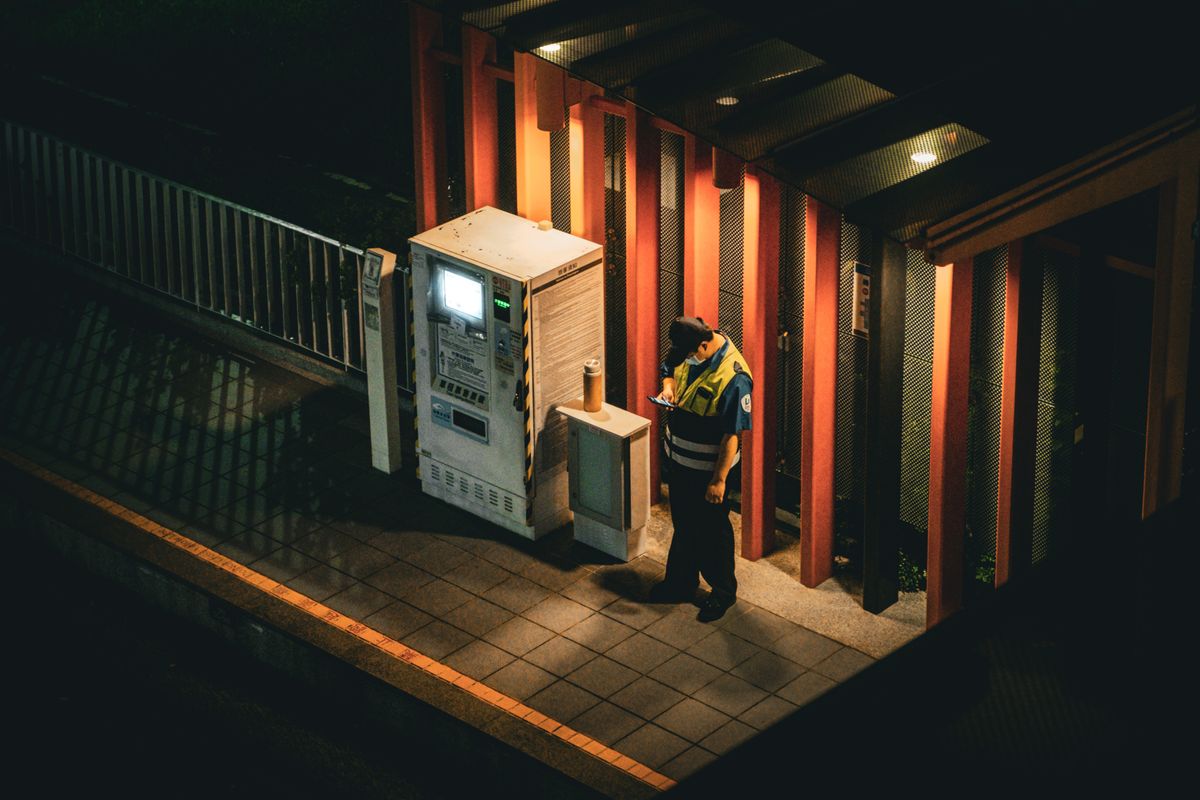
Night patrol is the same job with a flashlight. The entry is real. The walk is the part in question.
Three kinds of patrol record, side by side
Most companies run one of three records, or a mix. Each one answers a different question, and it helps to say exactly which.
| What the record holds | Live photo via checkpoint link | Written log | Checkpoint tag scan |
|---|---|---|---|
| Who makes the entry | The phone camera, through a texted link | The officer, by hand or keyboard | A device, when it reads the tag |
| Where the time comes from | The server, when the photo arrives | What the officer writes | The scanning system |
| What the entry says | A live photo sent through that checkpoint’s link | The officer's own words | Which tag was read |
| Location | GPS when the officer shares location | As written | The spot you assigned the tag ID |
There is a fourth option some companies reach for: an app that tracks the phone’s location across the whole shift. It answers where the phone went. It can also follow the officer between checkpoints, which is a cost of its own. We wrote about that trade in verifying field work without tracking employees.
Five changes that make a skipped round show up
None of these needs new hardware. They change what each checkpoint leaves behind, and who looks at it the next morning.
- Make each checkpoint produce a photo, not an entry. Text the officer a link for the checkpoint. Tapping it opens a page whose only way to add a picture is the live camera, with no route to the photo library, so every picture is a new capture through the camera; there is no app to install and no account to create. What comes back is whatever the camera saw when the officer took it: the roof hatch closed, the loading door chained, the gate padlocked.
- Let the server keep the time. A phone’s clock belongs to the phone’s owner. When the photo arrives, the server sets the time on the record, so “2:14” means the photo reached the server at 2:14, not that someone wrote 2:14. A SHA-256 fingerprint then seals the record. Edit any part of it later (the picture, the server’s time, the GPS reading if there was one) and the fingerprint no longer fits, so the edit is detectable.
- Ask for location where it matters. Each photo carries the officer’s GPS location, recorded on submission, when the officer shares it. If you need a reading on every checkpoint, you can require location before an officer can submit. That setting asks for a reading; it does not compare the reading with the post. Accounts with site distance flags turned on, and the post’s location set, get a flag on the dashboard when a photo comes in from beyond a distance you set.
- Stop running the checks on a timetable. A check at 2:00 and another at 4:00 is a schedule everyone on the shift learns in a week. On a random schedule, each send time is picked inside the hours you set, so the checks fall at different times from one night to the next. It changes the pattern. It does not stop an officer from walking a checkpoint early and waiting.
- Read the gaps every morning. When a check passes its window with no photo, the supervisor on record gets an email, unless you have turned off the supervisor alert in Settings. The Activity Log filters by post, by officer and by date range, so last night is one screen. Treat a missed or late checkpoint as a question for that officer, asked that day. One miss is a phone call. The same miss four nights running is a conversation.
What a photo checkpoint proves, and what it doesn’t
A sealed photo shows two things: a live picture, sent through that checkpoint’s link, reached the server at a time the server wrote, and a later change to the record is detectable. It doesn’t prove the officer walked every corridor between two checkpoints, and it doesn’t certify the scene. A photo is a record of what the camera saw.
An officer who walks to the checkpoint, takes the picture and leaves has still left you a true record: that photo and its server time. That is a better problem than a binder of entries nobody walked, and it is the problem the morning read is for.
You don’t need to follow the officer all night
LockProof, field work verification software for property managers, home care agencies and field service teams, including security companies, works checkpoint by checkpoint. Location is read only when the worker submits a photo, and only if they share it. Never in the background. Never between jobs. We verify the work, not the worker’s whereabouts. The guard tour setup for security companies shows how posts, officers and checkpoints map onto it.
And if a client ever asks whether the 3 AM round happened, the record for that checkpoint is already on file. You can send them a link to it that opens in a browser, no account needed, for seven days. For what a reviewer looks for in a photo like that, see whether a timestamp photo is enough proof.
Common questions
How do you prevent fake patrol logs?
Replace entries the officer writes with a record for each checkpoint: a live photo sent through that checkpoint's link, a time set by the server, and GPS when the officer shares location. Then read the night's checkpoints each morning and follow up on gaps that day. Nothing makes faking impossible. This makes a skipped checkpoint show up as a gap.
What is proof of presence for a security patrol?
In security, proof of presence is the name for a checkpoint record made by something other than the officer's own entry. One common form is a live photo sent through the checkpoint's link, timed by the server, with location when the officer shares it. The photo records that capture, not the officer's presence.
What does a guard tour checkpoint scan record?
A checkpoint scan records that a device read a tag, and when. The log lists tag IDs, which you match to the spots where you mounted them. Some companies also ask for a live photo for the checkpoints that matter most, such as a roof hatch, so the record carries a picture too.
How do you verify night shift patrols?
Pick the checkpoints that matter, ask for a live photo for each through a texted link, and let the send times vary inside the shift's hours. In the morning, read the night's records by post and officer. With the supervisor alert on, the default, a check that passes its window with no photo emails the supervisor on record that night.
Can a guard still fake a photo checkpoint?
Some fakes get harder and others get visible. The camera opens live with gallery uploads blocked, so a saved photo is not an option, and the server sets the time. What the camera points at is still the officer's choice, and an officer could walk to the checkpoint, shoot and leave. The hours between photos stay yours to review.