An insurer uses an inspector’s photos to judge work nobody on its staff saw. If the photos come from a different house, the finished report may not show it.
Two hundred reports, the same photographs
In September 2024, Florida’s Department of Financial Services announced the arrest of a former licensed home inspector. Florida’s state-backed insurer, Citizens Property Insurance, had hired him for four-point and wind-mitigation inspections in 2017, 2018 and 2019. Investigators said he reused the same stock photographs in more than 200 of those inspections, pictures that appeared to show storm-protection features on homes he may never have inspected. Those features lower a homeowner’s premium, so the state said the insurer lost premium it should have charged, then paid to reinspect every property; it put the cost at more than $88,000. The photos were wrong in the other direction too. Some homes had mitigation work the stock pictures did not show, and after the new inspections Citizens refunded those homeowners. The man was charged with fraud; we have found no report of how the case ended, so it remains an accusation, and we do not name him. Insurance Journal reported the arrest and the state’s figures.
From the insurer’s side, each report arrived looking finished: a form, a signature, photographs. The insurer relied on the photographs, and investigators said they were reused. What the state described was not a flaw inside any one picture. It was the same pictures, used again and again.
The ways a work photo goes wrong
A faked work photo tends to take one of a few shapes:
- last week’s photo of the same job, sent again;
- a photo from a different site that looks close enough;
- a picture borrowed from the internet, or from a colleague’s camera roll;
- a photo of a screen showing someone else’s photo;
- a real photo that has been edited or cropped to hide what is missing.
The first three share a source: the camera roll. Anything already on the phone, or forwarded to it, can be sent as if it were taken today. That is why staring at one picture rarely settles anything. A clean photo of a finished roof looks exactly like a clean photo of a finished roof.
Checks that need no software
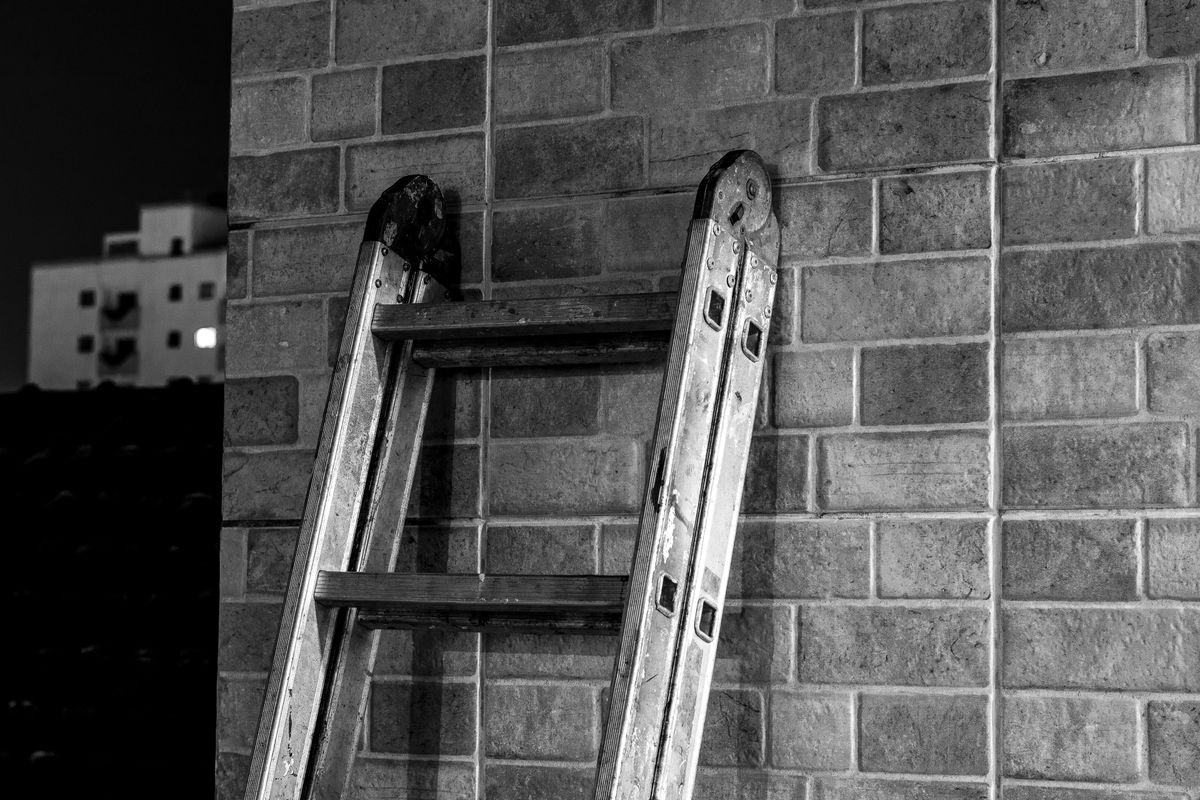
Look at a month, not a day. Put one person’s photos side by side. Repeats show up as a set: the same ladder against a different wall, the same crack in the same corner, a sky with the same clouds on a Tuesday and a Friday. A reverse image search on one or two suspicious pictures will tell you whether they exist on the web.
Ask for a detail only that job shows. The unit number on the door, the meter reading, the label on the panel, the work order number written on a card in the frame. A borrowed picture rarely carries the right one.
Do not lean on the file’s date. The date and place stored inside a photo file are written by the phone, and the file can be edited or stripped before it reaches you. Read them as a lead.
Send someone back to a sample. Citizens’ own page on wind inspections says its underwriters review every mitigation form and that Florida law lets it order an independent inspection to verify one. You need no statute to do the same thing at small scale: pick a few jobs each month and look at them yourself.
Talk before you accuse. A photo that looks wrong is a question. Phones rotate, light changes, and an honest worker in a hurry can send the wrong picture from the right job.
If you find one
Write down what you found before you say anything: which photos, which jobs, the dates they were sent, and what the job looked like when someone went back. Keep the original files as they arrived, not screenshots of them. Then ask the person to walk you through those jobs. Sometimes the answer is a mix-up that a second photo clears up in a minute. Sometimes the answer is a long silence.
Either way, the useful question afterwards is about the jobs, not the person. Which jobs did those photos stand in for, who paid for them, and who was told they were done? In the Florida case, the state said the scheme forced the insurer to reinspect every property. Your version is smaller, and the same: list the work each faked photo signed off, and check it. If discipline is on the table, bring in whoever handles employment matters for you before you act on it.
Close the camera roll
The checks above find fakes after they arrive. The other fix is to change how photos reach you. When the photo for a job has to be shot through a link that opens the phone’s camera live, and the photo library is shut off, last week’s picture and the one from the internet can no longer be attached as files. There is nothing for the worker to install and no login; the link itself is what gets checked.
The time changes hands as well. In LockProof, the time on the record comes from our server, set as the photo lands, so the phone’s clock never dates it. The location the worker shares is recorded on submission, and an office that wants a location on every photo can make it a condition of sending one. A SHA-256 fingerprint is computed over the record, so if it is altered later, the alteration shows.
Two ways a job photo reaches the office
| A photo through a live-capture link | A photo sent in a group chat | |
|---|---|---|
| Where the picture comes from | The camera, opened live; the photo library is shut off | Anything on the phone, or forwarded to it |
| Whose clock dates it | Our server’s, set when the photo arrives | The file data the phone wrote |
| Location | The location the worker shares, recorded on submission | Whatever the file carries, if anything |
| After it is saved | A SHA-256 fingerprint; an alteration shows | The file can be edited and sent again |
| Still for a person to judge | Whether the work was done well | Whether the work was done well |
What a live camera leaves to you
A live camera can still be pointed at the wrong roof, or at a screen. Where AI photo review is switched on, each photo that answers a check is read against a short description of what a good photo for that job should show, and the review is told to flag things like a black screen, a blur, or a photo of another screen. It is a flag for someone to look at, never a ruling, and it is not a promise that every such photo gets flagged. For accounts with Site Proximity and a location on file for each site, a photo whose location comes in beyond a distance you set gets flagged on your dashboard; that flag never stops a submission.
None of this certifies that the work was done right. What it changes is the starting point. Reports like the ones in the Florida case, as the state described them, could be put together from pictures already on hand. A record that has to start in a live camera, dated by a clock the worker does not hold, asks for a new picture every time.
Where LockProof fits
LockProof, field work verification software for field service teams and the people who check their work, sends the job link, takes the photo through the live camera and keeps the sealed record. See how field service teams set it up. If you are the one taking the photos and need to show they are real, read proving your own photos are real; for what a timestamp alone carries in a dispute, read whether a timestamp photo is enough proof. And if the worry is the opposite one, that checking photos turns into watching people, start with verifying field work without tracking employees.
The Florida case is still an accusation. The lesson for an office is narrower than guilt: when the photo is the proof, ask where the photo came from before you ask what it shows.
Common questions
How can you tell if an employee is faking work photos?
Look at the photos as a set, not one at a time. The same ladder, crack or patch of sky turning up on different jobs is a strong sign. Then ask for one detail only that job shows, such as a unit number or a meter reading, and send someone back to a small sample of jobs.
Can you trust the date on a work photo?
Treat it as a lead. The date and place stored inside a photo file are written by the phone that took it, and the file can be edited or stripped before it is sent. A time stamped by a server as the photo arrives belongs to that server, so the person holding the phone does not choose it.
What should you do if you suspect faked photos?
Check before you accuse. Pull a month of that person’s photos, look for repeats, and visit a few of the jobs they cover. Then talk to them with what you found in front of you. A photo that looks wrong is a question to ask, because honest work sometimes photographs badly.
Does a live photo prove the work was done?
No. A photo that had to be shot in an open camera, with the photo library shut off, shows the picture is new and not pulled from the camera roll, and the record’s fingerprint shows if anyone alters it afterwards. Whether the work behind it was done well is still for a person to judge.